𑀓 Kshatrapa Brahmi Keyboard
Type the legends of Western Kshatrapa coins in Brahmi.
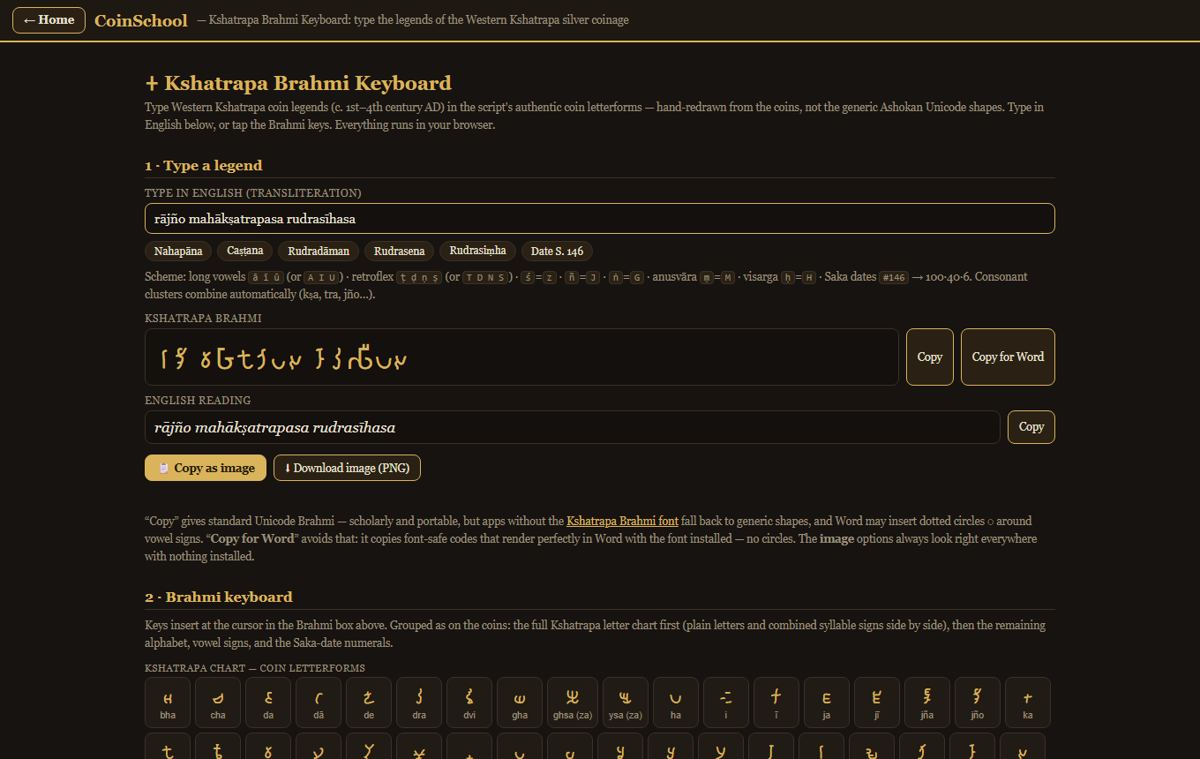
Type a Kshatrapa legend in English transliteration and get it in Brahmi script, with an English reading — ready to copy into Word or save as an image for a catalogue.
New here? The sign-in box also creates an account — with Google or your email. Your photos are processed for you only and are not used to train models without your consent — see our privacy policy.
What you can do
- Transliteration to Brahmi as you type
- On-screen Brahmi keyboard
- Copy for Word or download as an image
- The Brahmi font to install
How it works
- Type the legend in English letters
- Check the Brahmi and the reading
- Copy it or save it as an image
More tools
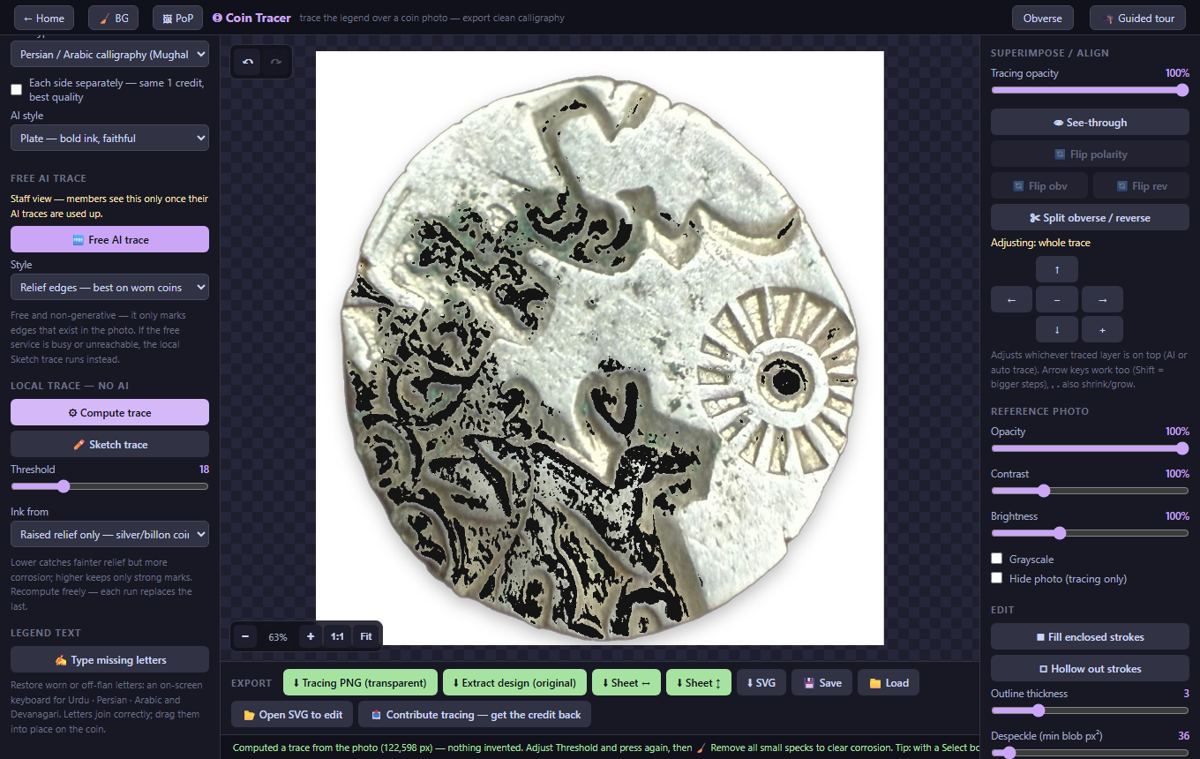
◎ Coin Tracer AITrace the legends and calligraphy of a coin into a clean line drawing.
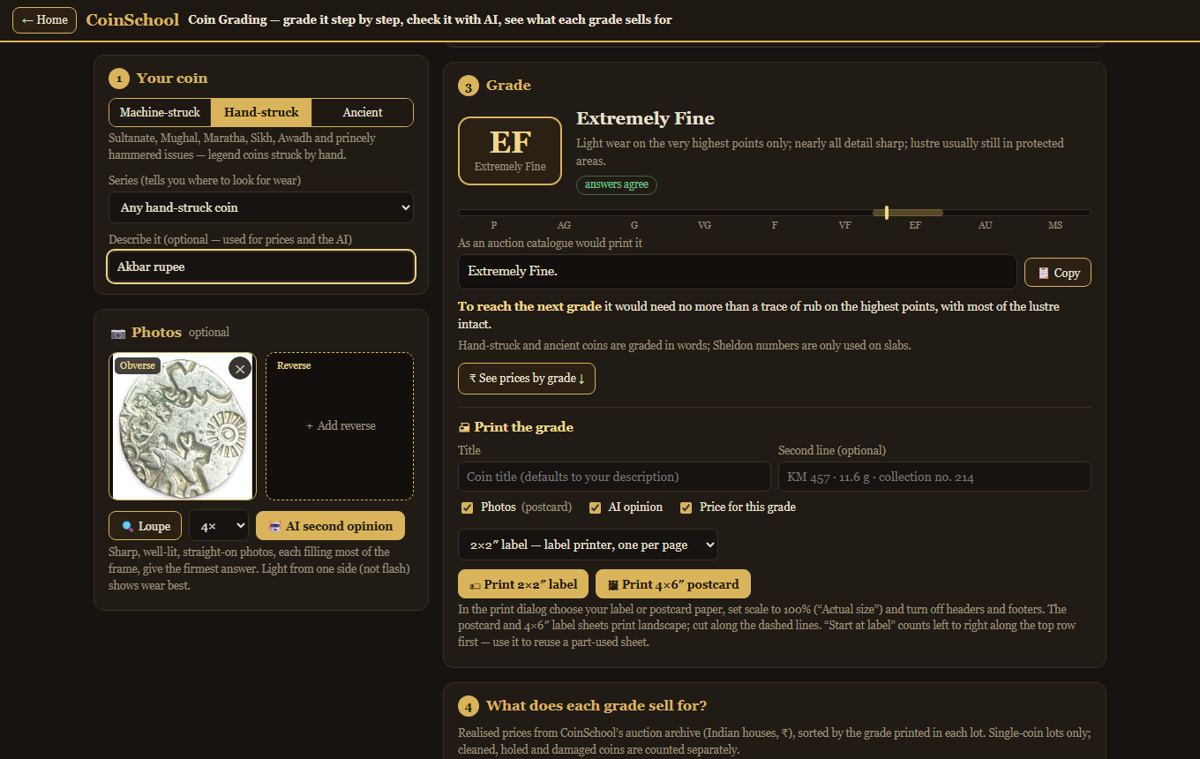
⚖️ Coin Grading AIGrade a coin step by step and see what each grade sells for.
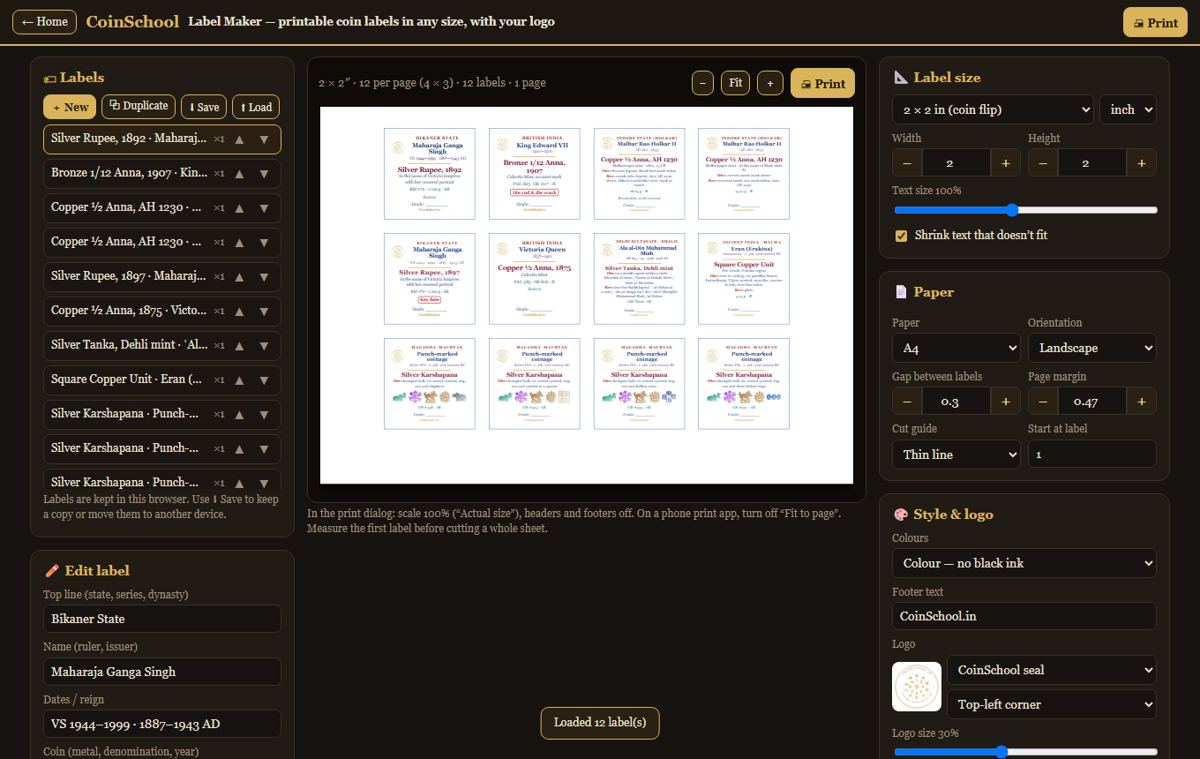
🏷 Label MakerPrintable coin labels in any size, with your own logo.
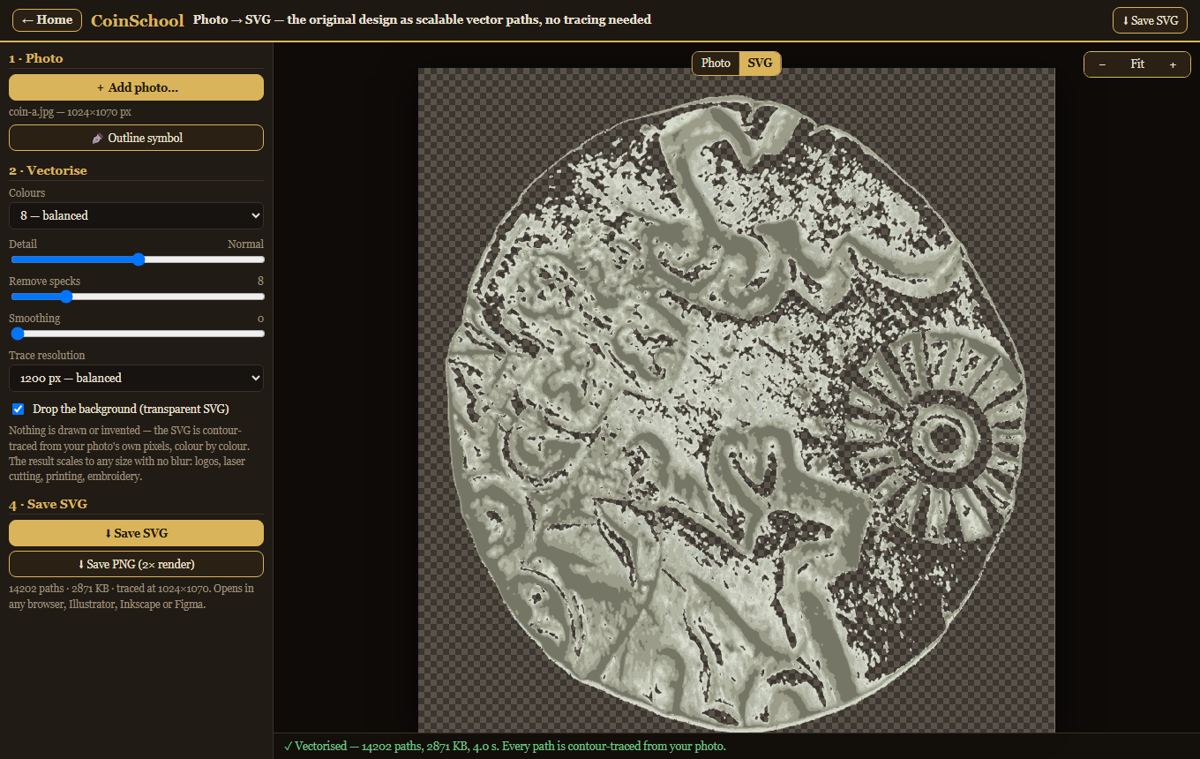
🪄 Photo → SVGTurn a coin photo into a scalable vector drawing.
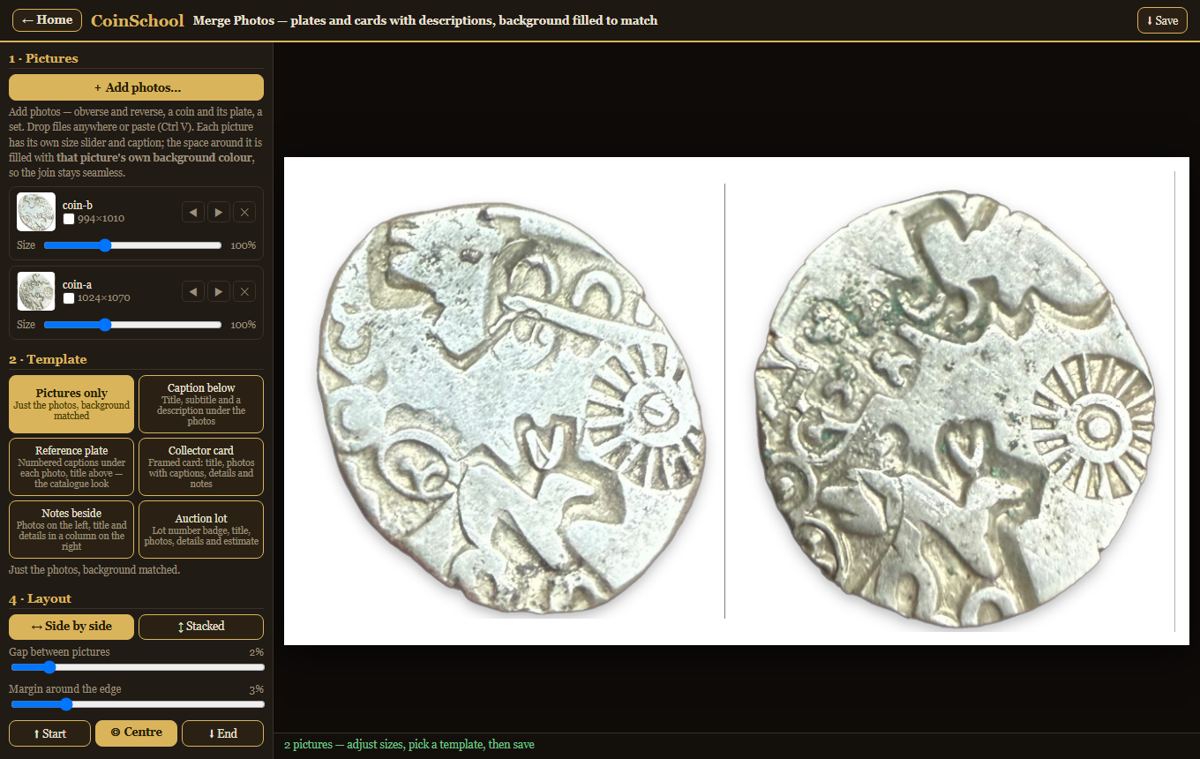
🧩 Merge PhotosPut obverse and reverse — or any photos — side by side.
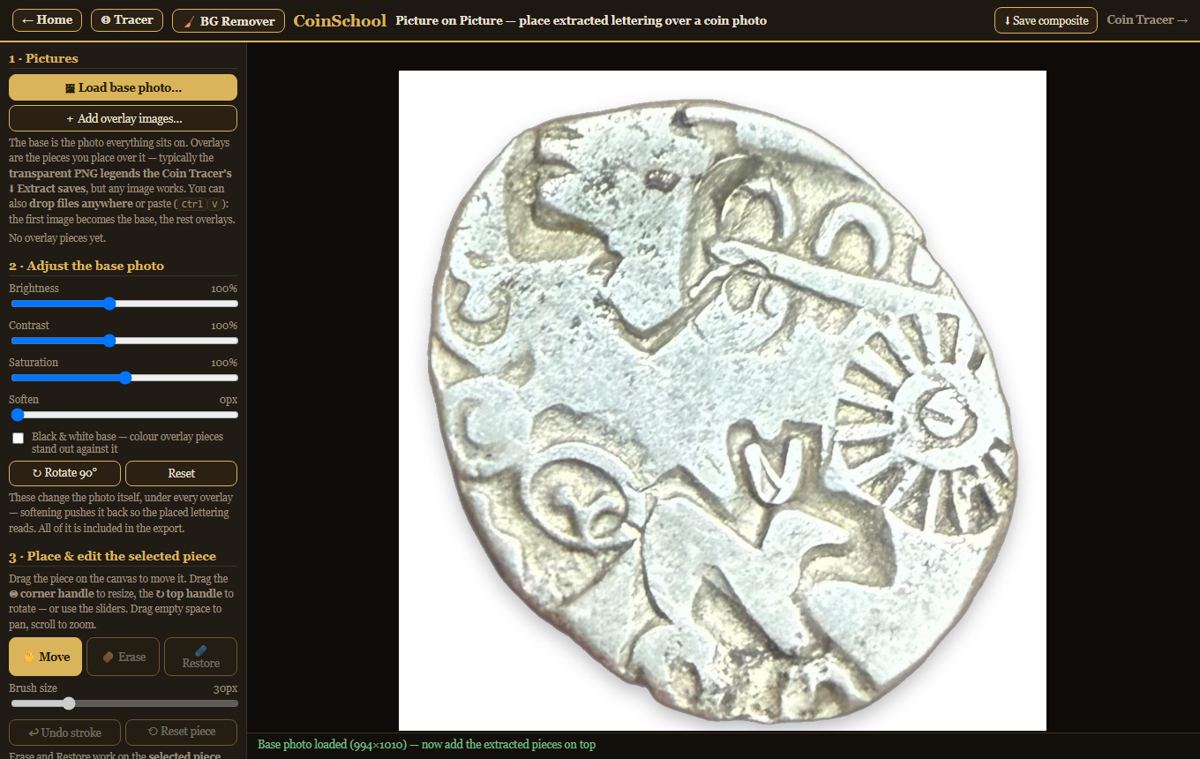
🖼 Picture on PicturePlace traced legends and symbols over a coin photo.
CoinSchool Auction Archive
Realised prices for 450,000+ Indian & world coins from Todywalla, Classical Numismatic Gallery, Bombay Auctions, Virasat, Jain and Stephen Album sales.
Search the full archive free →
Realised prices for 450,000+ Indian & world coins from Todywalla, Classical Numismatic Gallery, Bombay Auctions, Virasat, Jain and Stephen Album sales.
Search the full archive free →
Home · Auction Archive · Guides · News · Coin Agent · Sell Old Coins · Contact · About · Privacy · Terms · Refunds