Banknote bundle photo tool — front, back and all four edges in one picture
One listing picture that shows the whole bundle
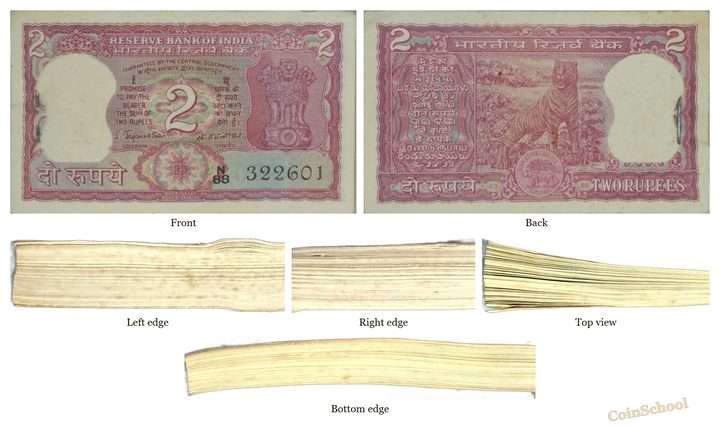
A free online tool for anyone selling or cataloguing a bundle, pack or brick of banknotes. Photograph the bundle from six sides — front, back, left edge, right edge, top view and bottom edge — and Note Bundle Photo merges them into one picture a buyer can read at a glance. The edge strips are turned and sized to fit the front automatically. It runs in the browser on phone or desktop, for notes of any currency.
Free · no account · works on phone and desktop · banknotes of any currency.
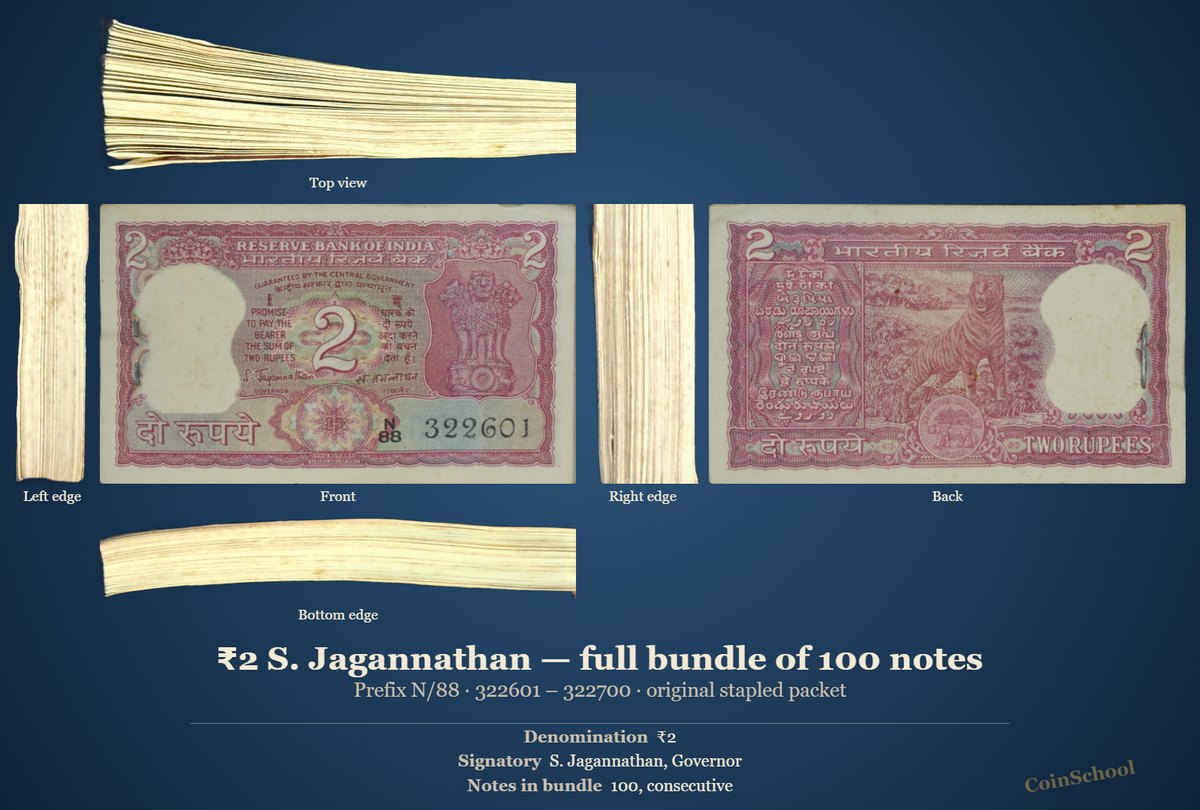
What it does
Six views, placed for you
Add the photos together. Files with front, back, left, right, top or bottom in their names are placed in the matching slot. Any view you do not have is left out. Note Bundle Photo →
Edges turned and sized to fit
Edge strips are rotated and scaled so they line up with the front, whatever way the camera was held. Note Bundle Photo →
Crop, brightness and contrast
Each view can be cropped (with an auto-crop to the bundle) and adjusted on its own. Note Bundle Photo →
AI background removal
Each view can be cut out of the table or hand it was photographed on. Note Bundle Photo →
Title, serials and details
Type the title, prefix and serial range and detail lines such as denomination, signatory, year and condition, or fill them from the CoinSchool notes catalogue. Note Bundle Photo →
Labels, frame and watermark
Each view can be labelled (Front, Back, Left edge …). An optional frame and a text watermark in five fonts and six styles. Note Bundle Photo →
Layouts
Six ways to arrange the six views. Every picture below is the same bundle of 100 two-rupee notes.
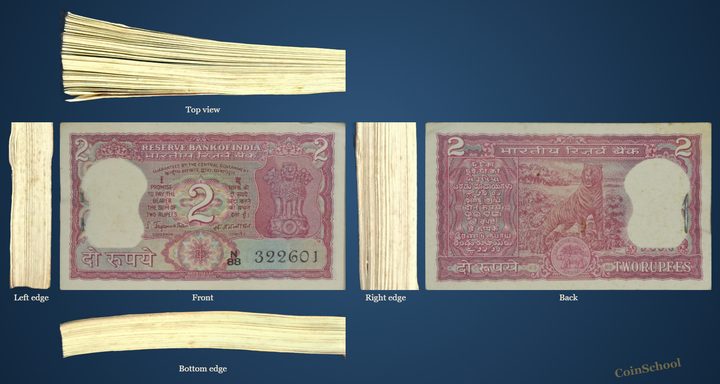
Like an opened box: top above the front, bottom below, edges beside it, back at the end
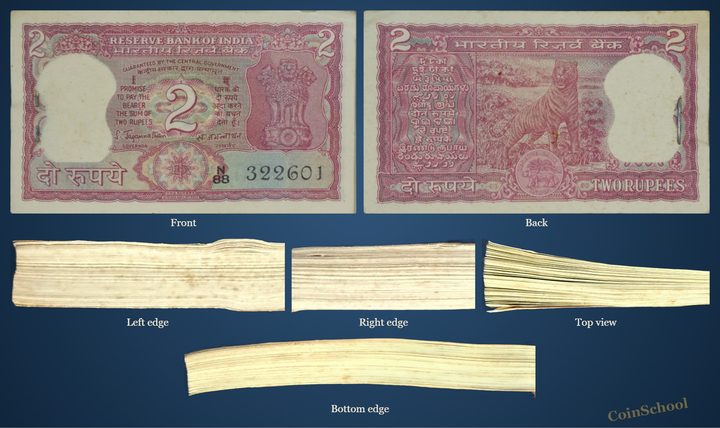
Front and back large, the four edges underneath
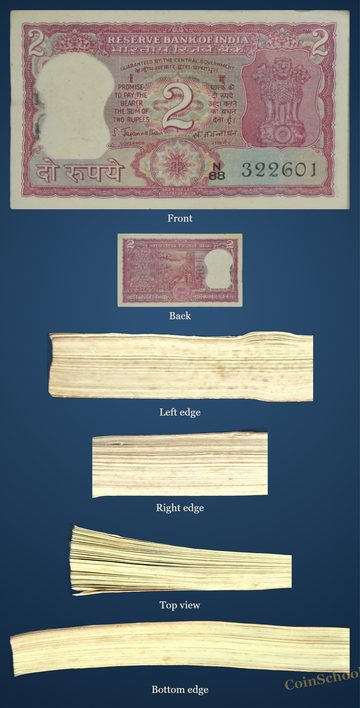
The front large, the other five views below
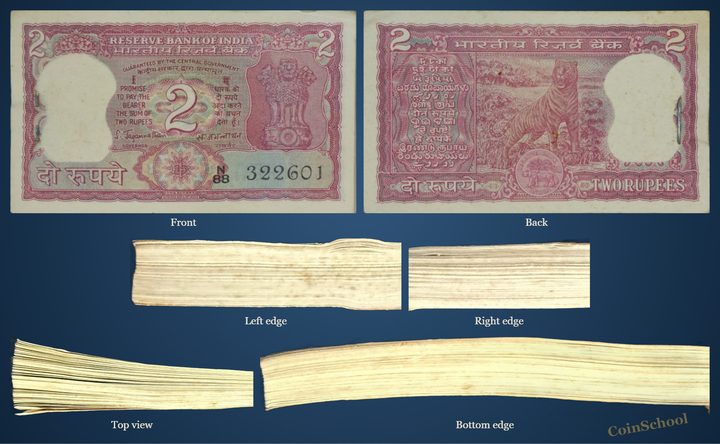
Front · back, left · right, top · bottom
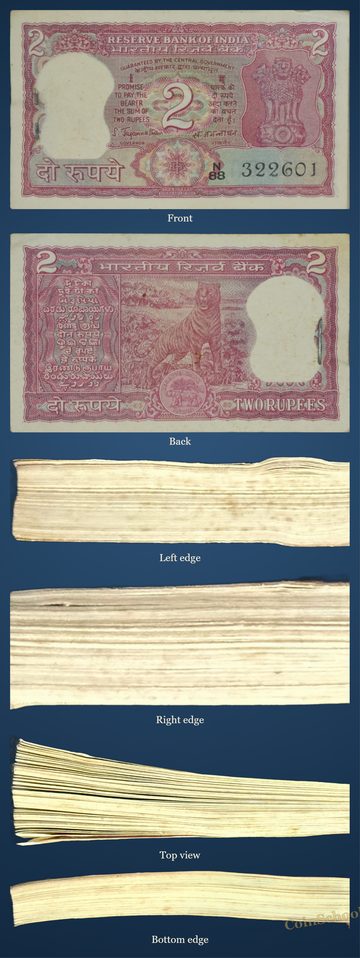
All views one above the other, for a phone post
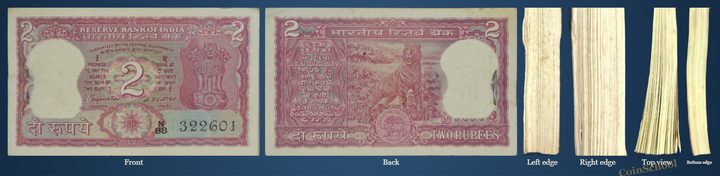
All views side by side, a wide banner
Text and background
A title, a line for prefix and serial numbers and any number of detail lines can be printed under the pictures. Backgrounds: match the photo, white, black, transparent, or one of 150+ templates.
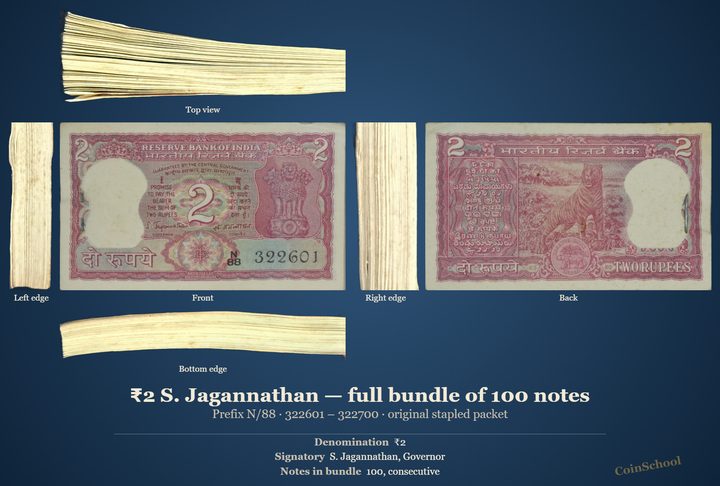
On a velvet template
No text
How to photograph a banknote bundle for sale
- Photograph six sides. Front, back, the two short edges, the top and the bottom edge. Hold the bundle flat and fill the frame.
- Add the photos. Open the tool and add them together. Check that each one sits in the right slot.
- Pick a layout. Unfolded bundle shows how the views relate; front & back + edges gives the two faces the most space.
- Tidy the views. Crop, adjust brightness or remove the background where needed.
- Add title and serials, then save. Type the title, prefix and serial range, choose a background and save as PNG or JPEG.
Limits and price
| Price | Free, with no account. |
|---|---|
| Views | Up to six: front, back, left edge, right edge, top view, bottom edge. |
| Layouts | Six: unfolded bundle, front & back + edges, front + strip, grid 2 × 3, stacked, one row. |
| Output | PNG or JPEG. A transparent background needs PNG. |
| Device | Any modern browser on phone, tablet or desktop. |
| Currency | Any. The notes catalogue used to fill in details covers Indian notes. |
Frequently asked questions
How do I show a whole bundle of banknotes in one photo?
Photograph the front, back and four edges, add them to Note Bundle Photo and pick a layout. The tool merges the six views into one picture.
Why photograph the edges of a bundle?
Buyers of packs and bundles want to see that serial numbers run in sequence and that no note has been replaced; the edges show the pack is intact and original.
What if I only have front and back photos?
Add what you have. Missing views are left out of the layout.
Can I add the serial numbers and other details?
Yes. There is a title, a line for prefix and serials, a description and any number of label · value lines printed under the pictures.
Is it free?
Yes, without an account, in any country.
Does it work for packs and bricks, and for foreign notes?
Yes. Any bundle, pack or brick of banknotes of any currency.
Related: Note Bundle Photo · Merge Photos · Coin background removal: every format · All coin tools
Realised prices for 450,000+ Indian & world coins from Todywalla, Classical Numismatic Gallery, Bombay Auctions, Virasat, Jain and Stephen Album sales.
Search the full archive free →
Home · Auction Archive · Free Coin Tools · Coin Photo Editor · Coin Background Removal · Coin Line Drawing Tool · Banknote Bundle Photo · Picture on Picture · Guides · Identify a Coin · Coin Value · Coin Grading · Label Maker · News · Coin Agent · Sell Old Coins · Contact · ❤️ Donate · ✨ Ad-free · About · Privacy · Terms · Refunds